TinyImage feature
Upscale images in Figma without uploading your photos.
Upscale images directly in Figma with 100% local AI processing. Boost resolution adds pixels while keeping newly inserted images at the original layer size, so you can improve detail without changing your layout.
Free to install. Includes 10 Pro trials, no credit card required, and fast human support if you need it.
...a massive lifesaver. Easily shaved 4 hours off of my work today. Thanks!

Used by teams at world-class companies



















In practice
Put Image upscaling
into your existing process.
Improve the pixel resolution of an image where you already use it. Keep the image layer at its existing display dimensions when inserting the result.
 TinyImage Pro
 More pixels, the same place in your layout.
Boost resolution always uses the compact Gentle model, which preserves more original texture. It downloads automatically on first use and stays available while the plugin is open. Choose 2× or 4× resolution, inspect the result at 100% and use Undo or History to return to the previous image. Output is capped at 4096 pixels per side. Processing time and available GPU acceleration depend on your device.
Read the feature guide- Start with
- A selected Figma image layer or an image from your computer
- Finish with
- A higher-resolution image in Figma or a downloaded image file
- Best for
- Designers preparing photographs and image assets for Figma layouts
- Available in
- TinyImage Pro for Figma Design
Common questions
What to know before you start.
A quick look at what you need, what Image upscaling produces, and how to try it.
What do I need to use Image upscaling?
Start with a selected Figma image layer or an image from your computer. In TinyImage, you can follow the feature guide and open the editor, choose a figma image layer or a file from your computer, then select local ai and boost resolution.
What will Image upscaling produce?
You will finish with a higher-resolution image in Figma or a downloaded image file. The final step is to compare the result at 100%, then replace the fill, insert a new image or download the higher-resolution file.
Can I try Image upscaling before upgrading?
Yes. Install TinyImage from the Figma Community to get 10 free Pro trials. You do not need a credit card.
Are my images uploaded to an AI service?
No. The model is downloaded to your device, and image processing runs locally in the plugin. Your photos are not uploaded to the model host or an external processing service. The downloaded model stays available while the plugin is open.
Does boosting resolution make the Figma layer larger?
Inserting the result preserves the original layer display dimensions, while the image has more pixels. An explicit crop or resize can set new insertion dimensions. Downloads use the higher pixel resolution, capped at 4096 pixels per side.
How does Boost resolution preserve photo texture?
Boost resolution uses Gentle automatically to preserve more original texture and grain. The compact model downloads on first use. Compare the result at 100%; upscaling reconstructs detail and cannot recover every detail missing from the original.
Keep exploring
Finish more of the job
with TinyImage.
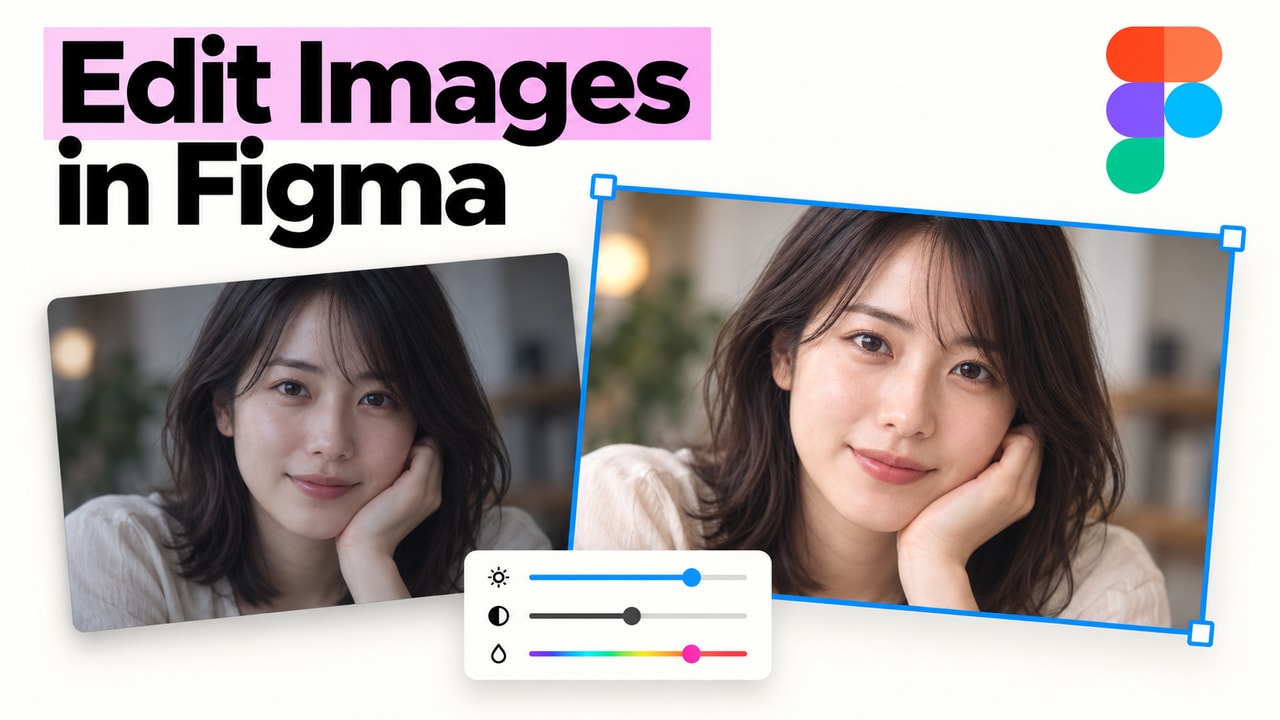
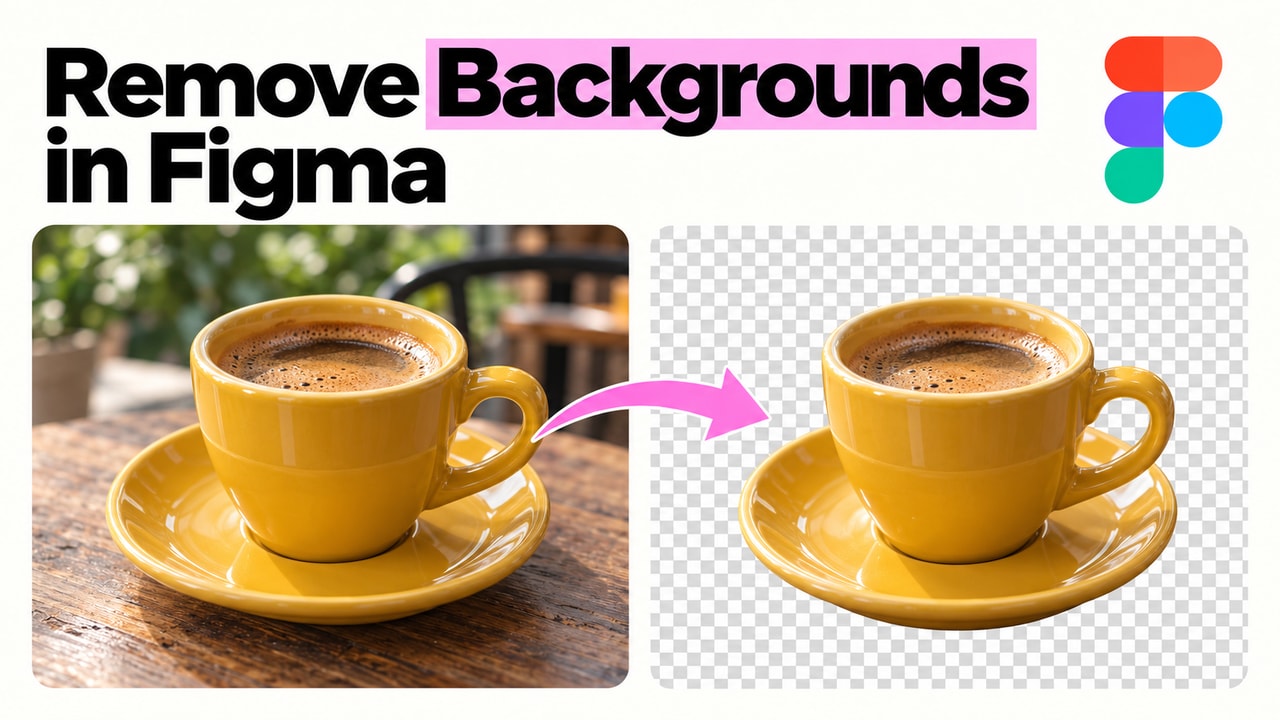
Explore two more TinyImage Pro features that keep the work moving from Figma to delivery.

Free to install
Try this workflow on your own Figma file.
Install TinyImage free and use the 10 included Pro trials before deciding whether it belongs in your production stack. No credit card required.


 Download PDF quote ↗