Weblify feature
Copy any website into Figma with the free Chrome extension.
Copy a whole webpage or pick one element in Chrome, then paste it into Figma as editable layers with the free Weblify extension.
Free to install from the Chrome Web Store, with no credit card required.
Thanks so much, Adam!... saved me many, many hours of manual work.

Used by teams at world-class companies



















From Chrome to Figma
Copy the page.
Keep the layers.
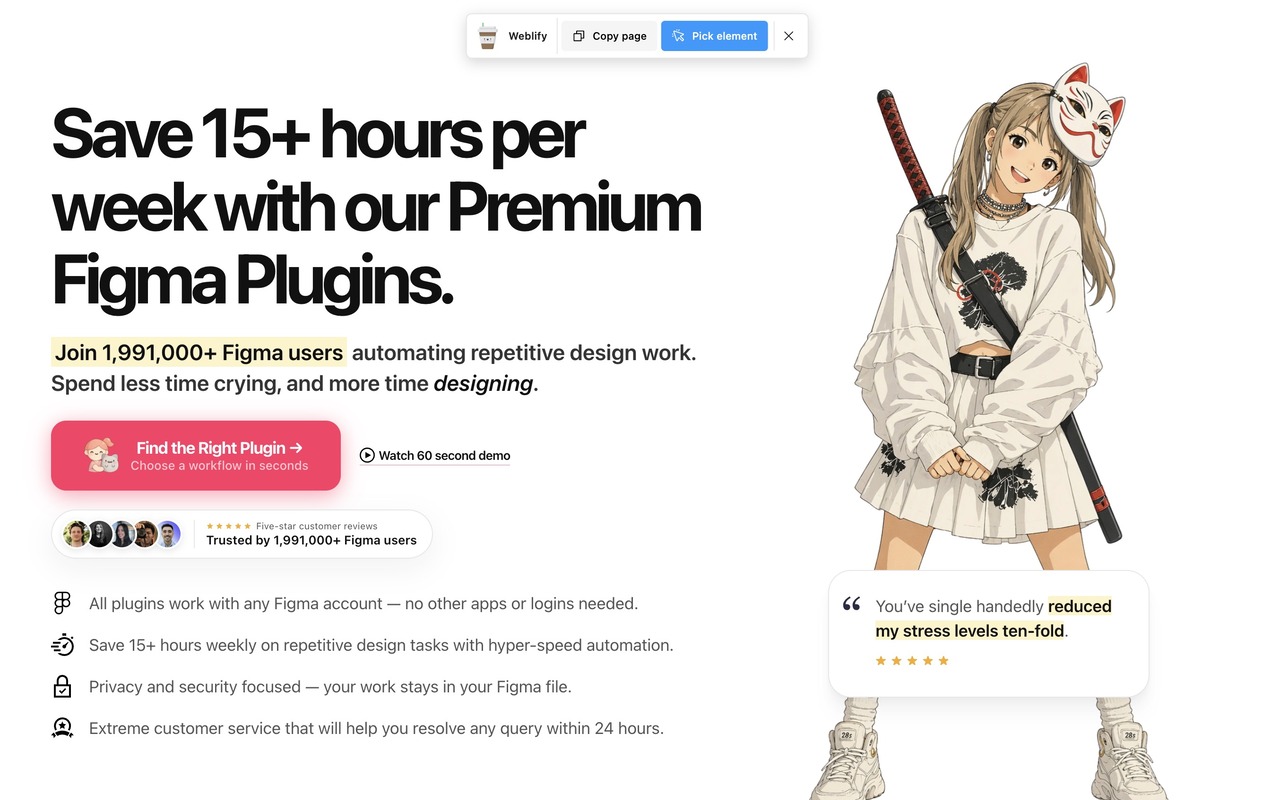
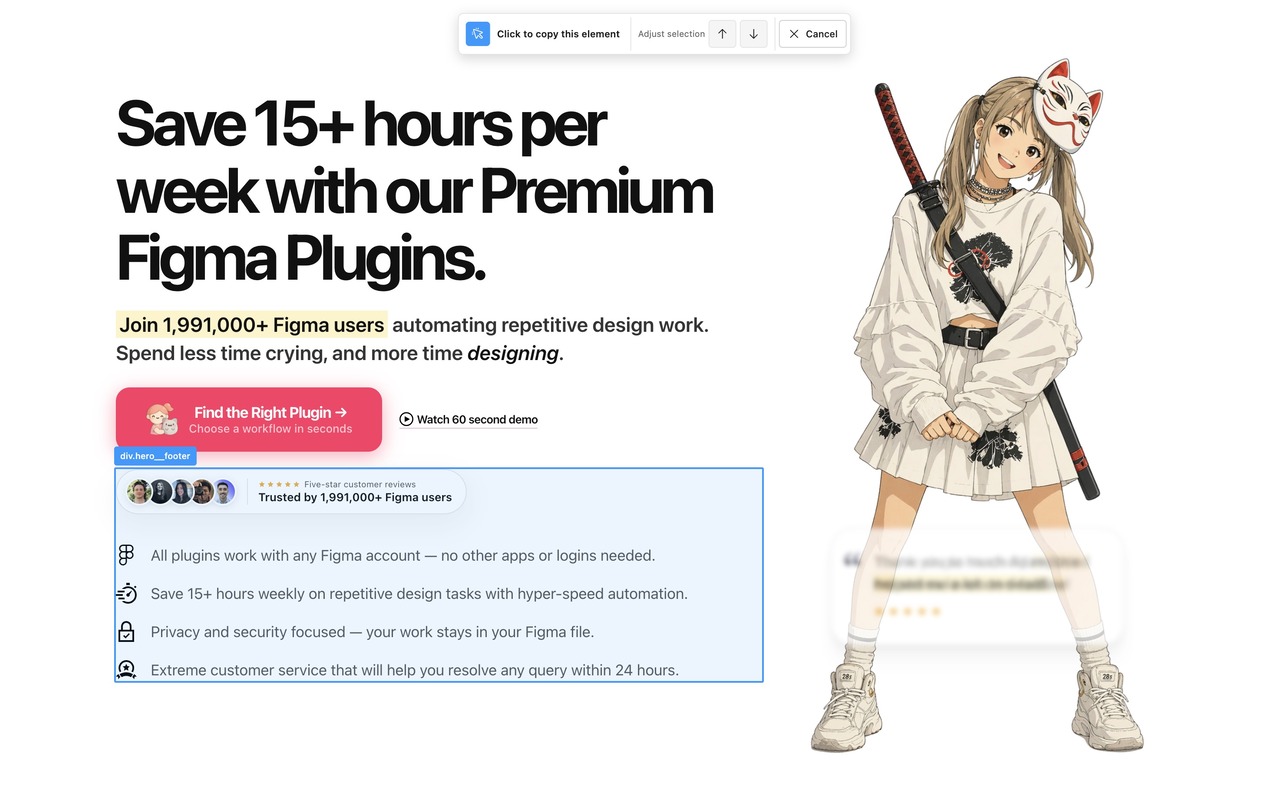
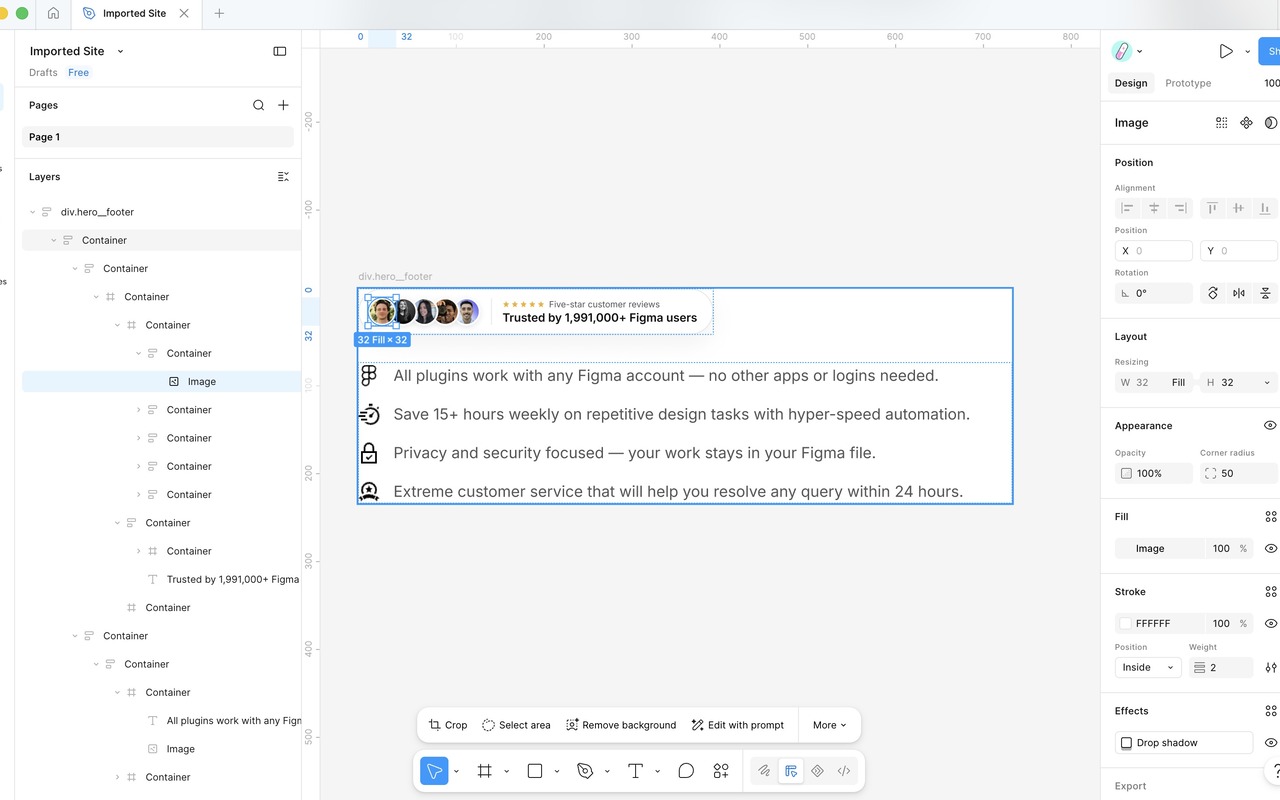
Choose a whole page or one element in Chrome, copy it to your clipboard, and paste the result into Figma.
In practice
Put Website to Figma Chrome extension
into your existing process.
Copy a complete webpage when you need the overall structure, or select one element when you only need a focused reference.
 Weblify Pro
 Bring the website into Figma without rebuilding it by hand.
The Weblify Chrome extension reads the page in your current browser session, copies the selected content to your clipboard, and lets you paste the result into Figma as editable layers.
Read the feature guide- Start with
- A public or logged-in webpage open in Google Chrome
- Finish with
- Editable website layers pasted into Figma
- Best for
- Designers who want editable website references inside Figma
- Available in
- Free Weblify extension for Google Chrome
Common questions
What to know before you start.
A quick look at what you need, what Website to Figma Chrome extension produces, and how to try it.
What do I need to use Website to Figma Chrome extension?
You need Google Chrome, the free Weblify extension, and a Figma file where you can paste the copied layers. Start with a public or logged-in webpage open in Google Chrome.
What will Website to Figma Chrome extension produce?
You will finish with editable website layers pasted into Figma. The final step is to paste the result into a new or existing figma file.
Can I try Website to Figma Chrome extension before upgrading?
Yes. The extension is free. Install it from the Chrome Web Store and start copying websites to Figma without a credit card.
Free to install
Copy your first website into Figma.
Install the free Weblify Chrome extension, open the page you need, and copy it into Figma as editable layers.


 Download PDF quote ↗